Microsoft Edge, with Copilot

Turn my research into an itinerary

Compare these laptop options

Create an itinerary from my tabs

Tailor my resume to this role

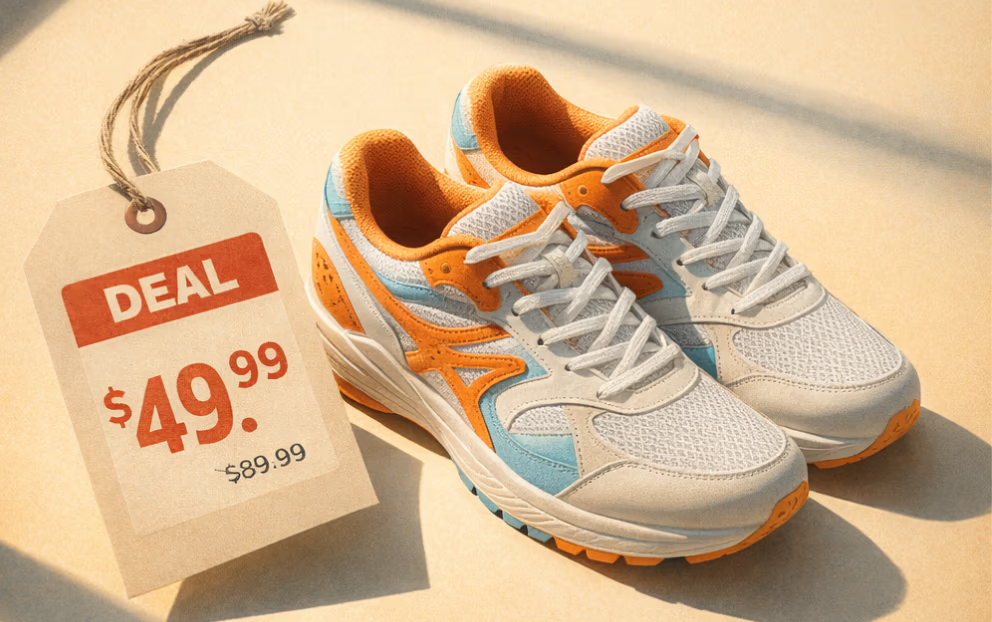
Find a deal for these shoes

Explain this article

Decide between these apartments

Summarize everything I have opened

Help me not regret this purchase

Distill my 47 tabs

Get me out of analysis-paralysis

Build a grocery list from my recipe hunt

Turn these options into a trip

Narrow this down to the best choice

Turn this topic into something I understand

Get more done, faster

Planning a trip or researching a big purchase? Copilot compares, summarizes, and handles the tasks you don’t want to do — all in one place.

AI that works alongside you

Copilot works in your browser, using your tabs to compare options, surface key details, and give clear answers — no jumping between tools.

Gets better the more you use it

Copilot remembers what you’ve worked on, so you don’t start over. The more you use it, the more helpful and personalized it becomes.

Get started with Copilot

Two ways to get started. Pick what fits your flow.

Best for multitasking
Copilot sidepane

No more tab-hopping. Copilot is built into Edge — click icon in the top right of your window to summarize, compare, or get answers without leaving the page.

Most immersive
Copilot new tab page

Open a Copilot new tab and type anything — a question, a search, or a website. Copilot routes you instantly to the right place, so you can start faster.

Journeys

Pick up where you left off

Copilot groups your browsing into journeys — related pages, searches, and chats. Revisit what matters, go deeper, and jump back in with one click.

Turn on Journeys to organize your browsing, then find them anytime on your new tab page.

Talk through ideas and questions

Copilot can see what you see. Ask questions out loud, point to anything on your screen, or talk through ideas naturally as you browse. Get spoken answers in real time.

Experience the full power of Copilot

Discover how Copilot helps you browse smarter and do more with Microsoft Edge.