🚀 Supercharge your YouTube channel's growth with AI.
Try YTGrowAI FreePython Loops – Things You MUST Know about Loops in Python


When a Python script needs to handle each value in a collection, repeating the same code by hand gets in the way. A loop repeats an indented block, with for taking values one at a time and while repeating as long as a condition is true.
I’ll show how to choose between for and while, then use range to set a count and break or continue to control the loop.
TL;DR: Choose a loop by what controls repetition
Use a for loop to process each value from an iterable, and use a while loop to repeat while a condition is true.
- Use for item in items when the values to visit are available.
- Use for number in range(…) for a bounded count.
- Use while condition when the stopping point depends on changing state.
- Change the state in a while-loop body so its condition can become false.
What is a loop in Python?
A loop repeats an indented block of code. A Python for statement takes values from an iterable one at a time, while while checks a condition before each pass.
colors = ["red", "green", "blue"]
for color in colors:
    print(color)
red
green
blue
Each pass handles the next value in the list, and the same form iterates over strings or dictionary keys.
What you need before running the examples
These examples use Python 3 syntax and require only the interpreter. Pick the loop from the input the code must process.
| Task | Loop | Reason |
|---|---|---|
| Visit each available value | for | The iterable provides the next value |
| Repeat a known count | for with range | The range defines the count |
| Wait for a condition to change | while | The condition controls each pass |
Prefer direct iteration when you need values rather than their positions. Use an index only when the position itself matters.
How to use Python loops step by step
Run each example as a short script. Compare the loop’s input with its printed output to see what controls the next pass.
Step 1: Iterate over each value with for
Put the iterable after in, then write the repeated work in the indented body.
for name in ["Ada", "Lin"]:
    print(name)
Ada
Lin
The body runs once per value. It does not need a counter to advance through a list.
Step 2: Repeat a bounded number of times with range
range(start, stop) includes the start and excludes the stop, so the stop is one past the final value when counting upward.
for number in range(1, 5):
    print(number)
1
2
3
4
The output ends at 4 because range stops before its second argument. For example, list(range(1, 5)) gives [1, 2, 3, 4].
Step 3: Repeat while a condition remains true
Initialize the state before the loop and update it inside the body so the condition can eventually become false.
count = 0
while count < 3:
    print(count)
    count += 1
0
1
2
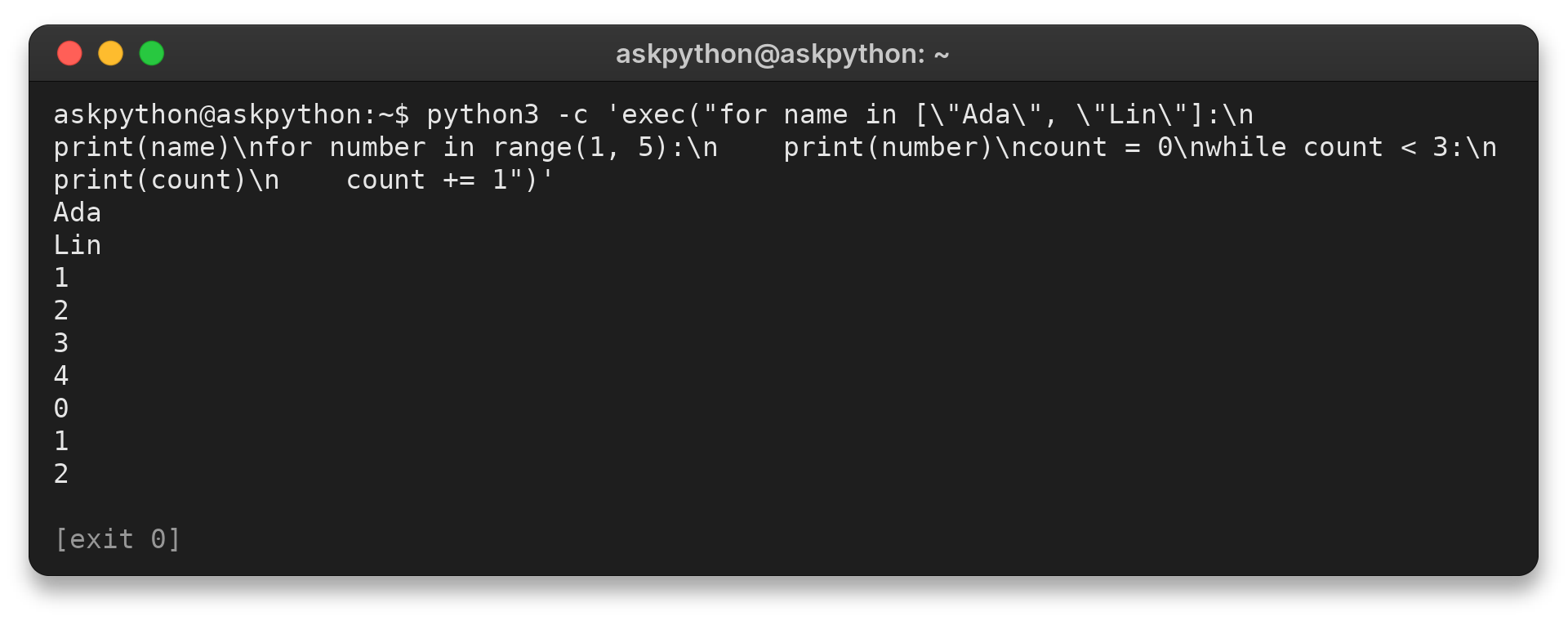
The output stops at 2 because the counter reaches 3 before the next condition check. At that point, the condition is false and the loop ends.