


Overview
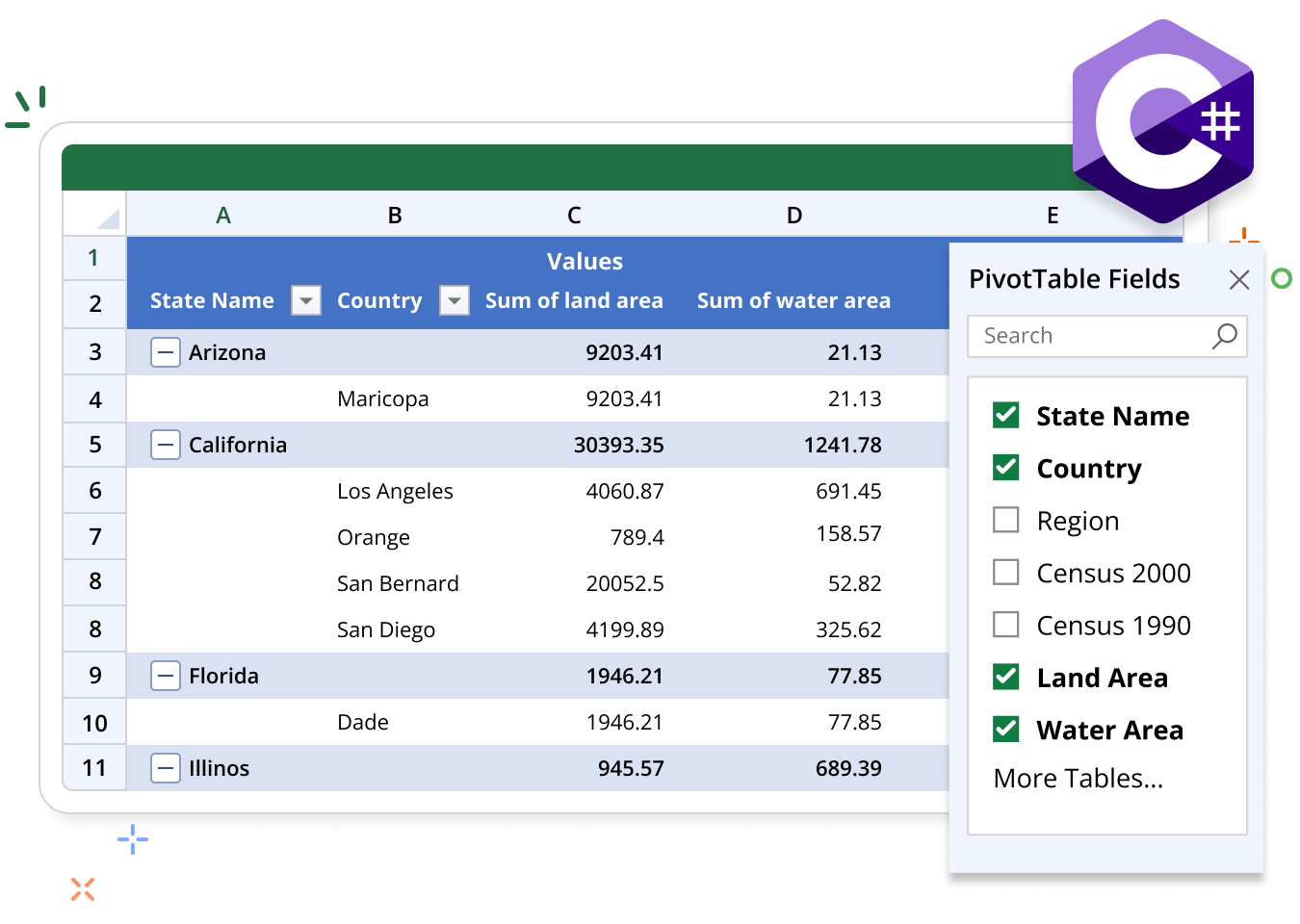
The Syncfusion .NET Excel Library (XlsIO) supports the creation and manipulation of pivot tables. Use pivot tables to organize, summarize, or calculate data dynamically. These functionalities can be achieved using just a few lines of code.
Pivot table code example
This example code shows how to create a pivot table in Excel using the Syncfusion .NET Excel Library with just a few lines of code in C#.
Key features of pivot tables
Discover how pivot table features in the Syncfusion Excel Library allow you to summarize, analyze, and organize data dynamically, enabling powerful data insights and streamlined reporting in Excel.
Styles and Formatting
Enhance your pivot table with various built-in styles to improve visual appeal and interpretation of data. You can also format individual cells to emphasize key metrics by adjusting font styles, colors, borders, and number formats, ensuring clarity and readability in your presentations.