


Why choose our .NET PDF Library?
Build enterprise document workflows with Syncfusion’s native .NET PDF Library and C# PDF API. Create, edit, generate, merge, split, and secure PDF files without Adobe or external services. Automate forms, redaction, digital signatures, encryption, and PDF/A compliance for scalable .NET applications.
Edit and run real C# code directly in your browser to explore PDF operations in action. Test features like creating, merging, and converting PDFs instantly, and experience how easy it is to integrate robust PDF functionality into your .NET applications.
Powerful PDF processing APIs in .NET
Create, edit, secure, convert, and extract data from PDF documents using a high‑performance set of APIs in .NET. This .NET PDF library supports a variety of features, including digital signatures, redaction, form handling, OCR, file conversions, and data extraction from structured PDF content. This library helps build scalable, enterprise‑grade PDF processing and document automation workflows within the application.
Create & Edit APIs
Real-world document workflows built with .NET PDF Library


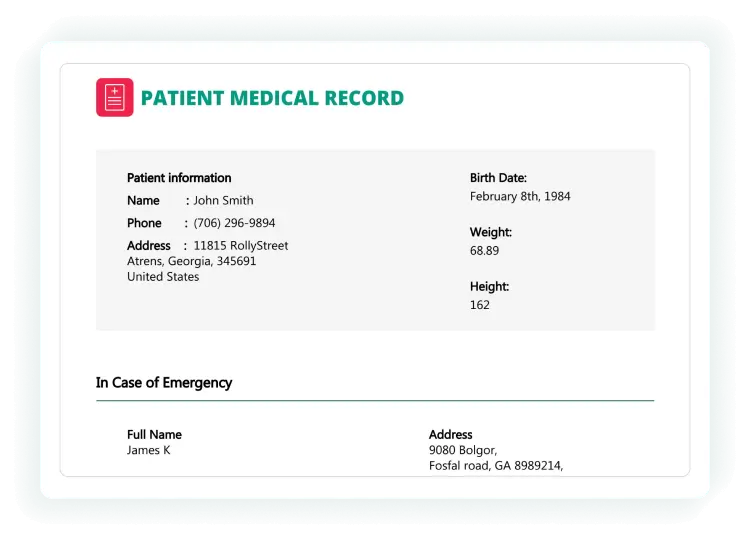


Enterprise-ready PDF processing
Create and edit with precision
Empower your .NET applications with our comprehensive PDF Library designed for precision and flexibility. Create and edit PDFs programmatically with full control over document structure and content without relying on external tools or Adobe products.
- Build richly formatted PDFs with tables, images, shapes, and annotations
- Convert HTML, Word, Excel, and images to high-fidelity PDF

Speed up document operations
Orchestrate complex PDF tasks programmatically. You can generate templates, convert formats, merge and split files, fill and flatten forms, apply signatures, redact sensitive content, and perform OCR at scale with server-grade performance.
- Automates repetitive PDF operations to reduce turnaround time in batch pipelines
- Integrates with enterprise systems to convert, form-fill, sign, redact, and extract data reliably
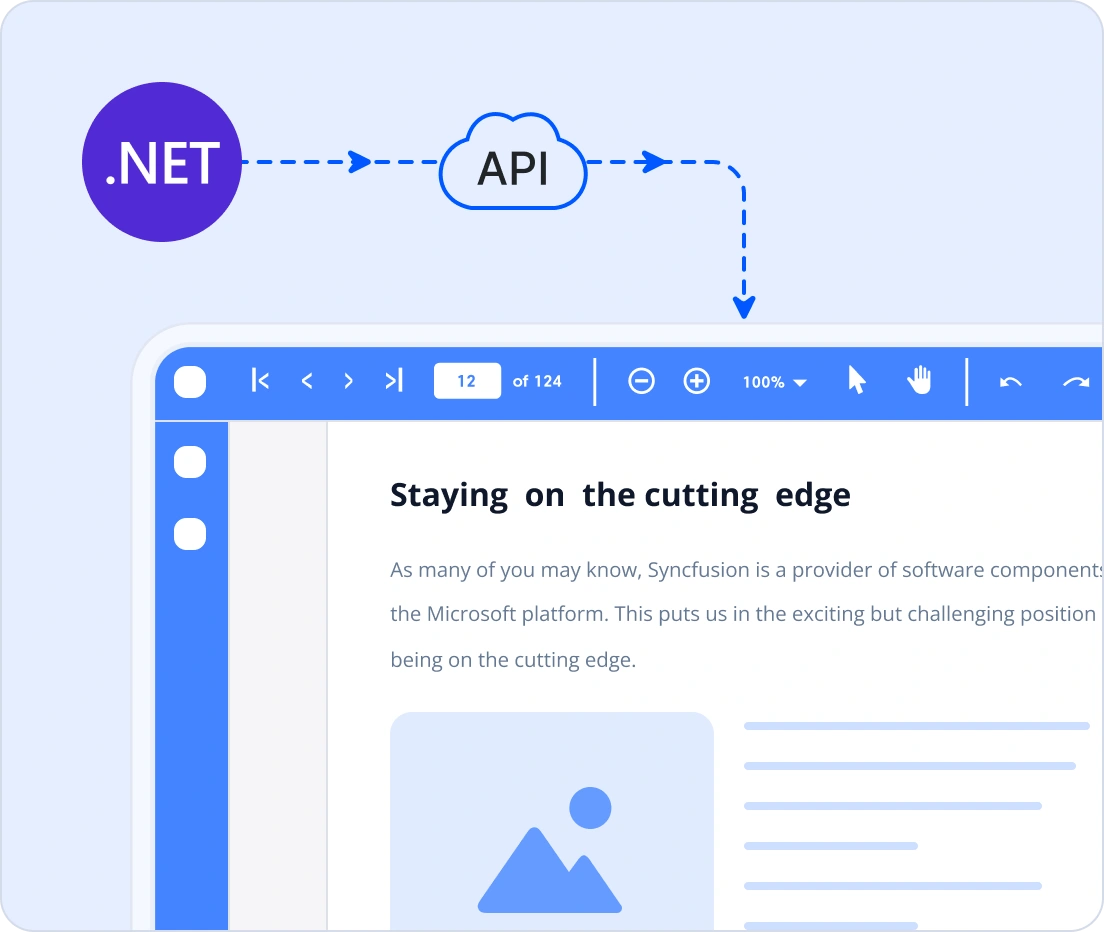
Handle high-volume PDFs, fast
Deliver blazing-fast PDF generation and manipulation with a fast, reliable PDF SDK, even with complex layouts and high-volume workloads. Ideal for enterprise reporting engines, automated pipelines, and document-heavy applications where speed and reliability matter most.
- Handles large PDFs without performance bottlenecks
- Scales for batch operations and server-side processing

Confidentiality and control
Syncfusion’s .NET PDF Library provides advanced PDF security and compliance for enterprise workflows. Encrypt files with AES-256 and AES-GCM (PDF 2.0), apply granular permissions, and meet PDF/A and PDF/UA standards for archiving and accessibility without sacrificing usability.
- Complete control over document access and permissions
- GDPR-ready redaction for privacy compliance

using Syncfusion.Pdf.Graphics;
using Syncfusion.Pdf;
using Syncfusion.Drawing;

//Create a new PDF document
using (PdfDocument document = new PdfDocument())
{
    //Add a page to the document
    PdfPage page = document.Pages.Add();
    // Create a standard font
    PdfFont font = new PdfStandardFont(PdfFontFamily.Helvetica, 20);
    //Draw the text using page graphics
    page.Graphics.DrawString("Hello World!!!", font, PdfBrushes.Black, new PointF(0, 0));
    //Save the PDF document
    document.Save(Path.GetFullPath(@"Output/Output.pdf"));
}
Cross-platform and scalable architecture
Build and deploy PDF workflows across diverse platforms and environments with confidence. The library is designed for flexibility, scalability, and modern deployment needs.
- Supports the .NET framework, .NET Core, .NET, and .NET MAUI
- Runs on Windows, Linux, macOS, and Docker containers
- Cloud-ready compatibility with Azure, AWS, and Google Cloud
- Ideal for web apps, desktop clients, microservices, and serverless functions
Comprehensive PDF Library capabilities
Create PDFs with text, images, tables, forms, and annotations. Add watermarks, metadata, compression, and organize pages securely.
Create well-structured and interactive PDF documents with essential content and design components.
Text and images - Create and edit fonts and text styles and place various image formats within pages programmatically.
Tables and shapes - Generate styled tables and draw vector shapes or graphics as part of page content.
Headers and footers - Add and customize page‑level headers and footers for a consistent layout across the document.
Barcodes - Add one-dimensional and two-dimensional barcodes to PDFs for identification, tracking, and data encoding.
Attachments - Embed external files inside a PDF and manage them through the document structure.
Add interactive elements to PDFs for better navigation and dynamic user interaction.
Bookmarks - Add, edit, and organize document bookmarks for quick navigation to sections or pages.
Actions - Add interactive actions like opening URLs or executing JavaScript in PDFs for dynamic user experiences.
Layers - Create, manage, and flatten PDF layers to organize content into toggleable sections for complex documents like CAD drawings or multilingual files.
Hyperlinks - Add web and document links for external navigation or intra‑document jumps.
Page numbering - Modify or customize page numbering in PDFs to maintain proper sequence and layout.
Optimize, standardize, and refine PDFs to ensure a clean layout, consistent formatting, and reliable final output.