A visual authoring environment for A2UI interfaces
Start with a prompt or template, preview the interface with Syncfusion components, refine it through AI-assisted changes or direct JSON editing, and take the resulting A2UI definition into your application.
HOW IT WORKS
Create A2UI interfaces from prompts and templates
Describe the interface you need, preview it with Syncfusion components, refine the experience, and generate a ready-to-use A2UI definition for your application.
Describe
Start with a prompt or starter template.
Preview
See it rendered with Syncfusion components.
Refine
Adjust the layout, components, and data.
Copy
Take the generated A2UI definition into your application.
STARTER TEMPLATES
Start with a template that fits your task
Choose a starting design and adapt it to your interface requirements.
Operations Dashboard
Review orders, revenue trends, and priority items.
Chart
Data Grid
Message
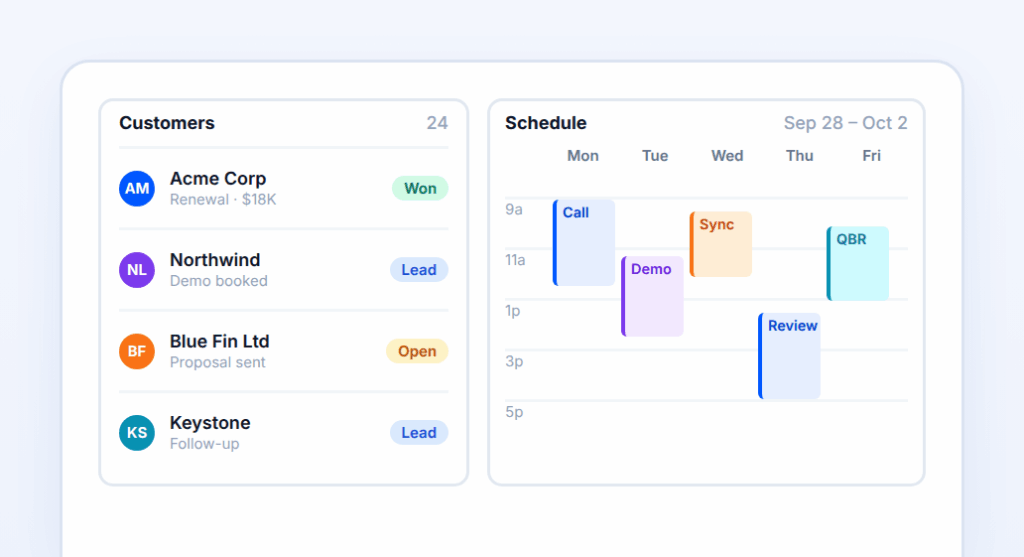
CRM Overview
Track customers, activity, and upcoming meetings.
Data Grid
Scheduler
Card
Finance Summary
Compare income, expenses, cash flow, and budget figures.
Everything you need to create and refine an A2UI interface
Move from an initial idea to a structured definition using focused tools for generation, refinement, exploration, and preview.
Create
Generate an interface from a prompt or starter template.
Workspace
Refine with AI, edit A2UI JSON, and review the live preview together.
Gallery
Browse reusable starter experiences and open them in Composer.
Playground
Experiment with individual components and structured definitions.
Catalog
supported Syncfusion component adapters.
BUILT WITH SYNCFUSION A2UI COMPONENTS
Compose with components your app can render
Use supported Syncfusion components for data, visualization, input, scheduling, navigation, and layout while designing and previewing your A2UI interface.
Composer creates A2UI JSON definitions that describe an interface. It does not generate React component source code or a complete deployed application.
Yes. Request changes through the AI Assistant or edit the JSON directly. Review the result after each change, especially when a precise layout or field setting matters.
Use components supported by the Composer's A2UI catalog. Check the component reference for availability; support for the entire Syncfusion React library should not be assumed.
Design your UI in A2UI Composer and export it as A2UI JSON. When your agent sends that JSON, the Syncfusion A2UI renderer shows it as native Syncfusion components. You don't have to write any UI code by hand.
Create your first interface with A2UI Composer
Start with a prompt or template, refine the result, and copy the A2UI definition for your application.