

Overview
The Syncfusion .NET MAUI AI AssistView control is a component designed to facilitate the integration of AI services into .NET MAUI applications. It provides an intuitive and user-friendly interface that allows developers to create applications that interact seamlessly with AI services. This control simplifies the process of building intelligent and responsive applications by offering easy customization of its appearance and functionality. Developers can quickly adapt the control to match the application’s design and requirements while leveraging AI capabilities to enhance user experiences.
.NET MAUI AI AssistView code example
Get started with the .NET MAUI AI AssistView with a few simple lines of XAML code, as shown below. Also, explore our .NET MAUI AI AssistView example, which shows you how to render and configure the control.
<?xml version="1.0" encoding="utf-8" ?>
<ContentPage xmlns="http://schemas.microsoft.com/dotnet/2021/maui"
             xmlns:x="http://schemas.microsoft.com/winfx/2009/xaml"
              xmlns:syncfusion="clr-namespace:Syncfusion.Maui.AIAssistView;assembly=Syncfusion.Maui.AIAssistView" xmlns:local="clr-namespace:GettingStarted "
             x:Class="GettingStarted.MainPage">
    <ContentPage.BindingContext>
        <local:GettingStartedViewModel/>
    </ContentPage.BindingContext>
    <ContentPage.Content>
        <syncfusion:SfAIAssistView x:Name="assistView"
             AssistItems="{Binding Items}"/>
    </ContentPage.Content>
</ContentPage>
Content types
The .NET MAUI AI AssistView allows users to display items in various formats, such as text, images, hyperlinks, and cards, within their applications.

Text type

Card type

Image type

Hyperlink type
Control template
The .NET MAUI AI AssistView is a customizable control that allows developers to display any view or control within a template to meet their specific needs. It provides a flexible way to create an interactive UI that adapts to different scenarios, enhancing the application’s interactivity and user experience.

Markdown rendering and response streaming
The .NET MAUI AI AssistView control supports displaying rich, formatted AI responses with real-time streaming, enabling users to view content as it is generated for improved readability, engagement, and a more interactive conversational experience.


Suggestions
Users can display a list of suggestions under an AI-generated response to quickly continue a conversation. When a user selects a suggestion, it is automatically sent as a new request to the AI, enabling a more dynamic, interactive user experience. Suggestions can include images for better visualization, arranged vertically or horizontally.
Conversation management
The control includes a conversation panel to manage chat interactions efficiently, allowing users to maintain conversations and easily filter, pin, rename, or delete them for an organized and seamless chat experience.


Agent mode
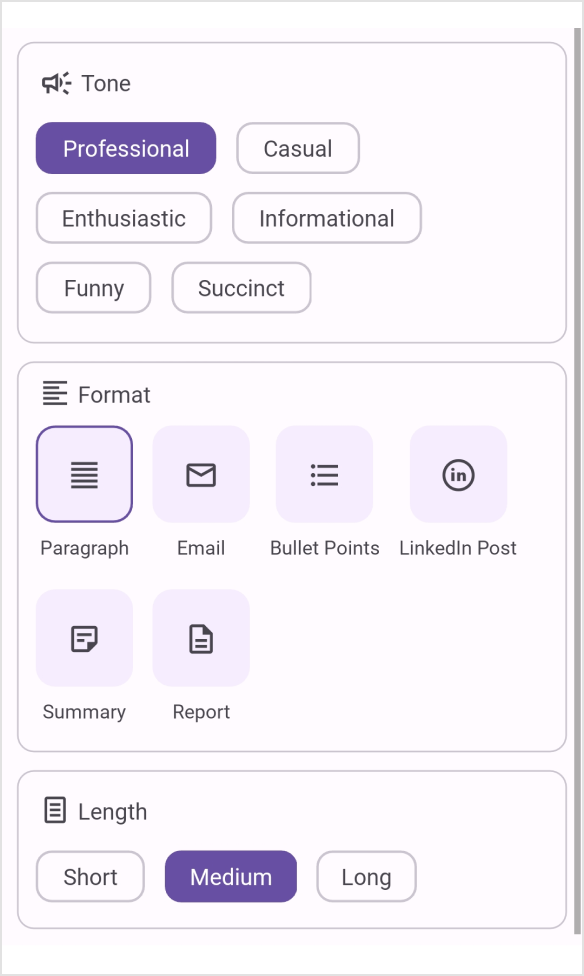
The AI AssistView supports switching between AI agents directly within the editor, displaying the selected agent as a chip with an icon and label. This lets users tailor the AI’s tone, behavior, and responses without custom input, delivering a more personalized conversational experience.