

New in Raycast v2
Welcome to the brand new Raycast, rebuilt from the ground up for the next era of personal computing. It's faster everywhere, the AI knows you now, and your hotkeys finally work the way you set them.
Take a tour below of what's new in Raycast v2 to discover what's different. A full list of changes is available under Everything New in v2 at the bottom of this page.
Fresh Design
Raycast has been redesigned for Liquid Glass to fit right at home on your Mac. Compact window mode strips Raycast back even more to the essentials, and grids in Emoji & Symbols and Screenshots let you choose how many columns you see, so you decide how much fills the window.


Search Files and Settings
Type a filename or folder into Root Search and the File Search results will show alongside other results, no separate command needed. File Search also runs on a new indexing engine, with faster results and more ways to filter them. Settings has its own search now too, covering every extension, command, and setting.
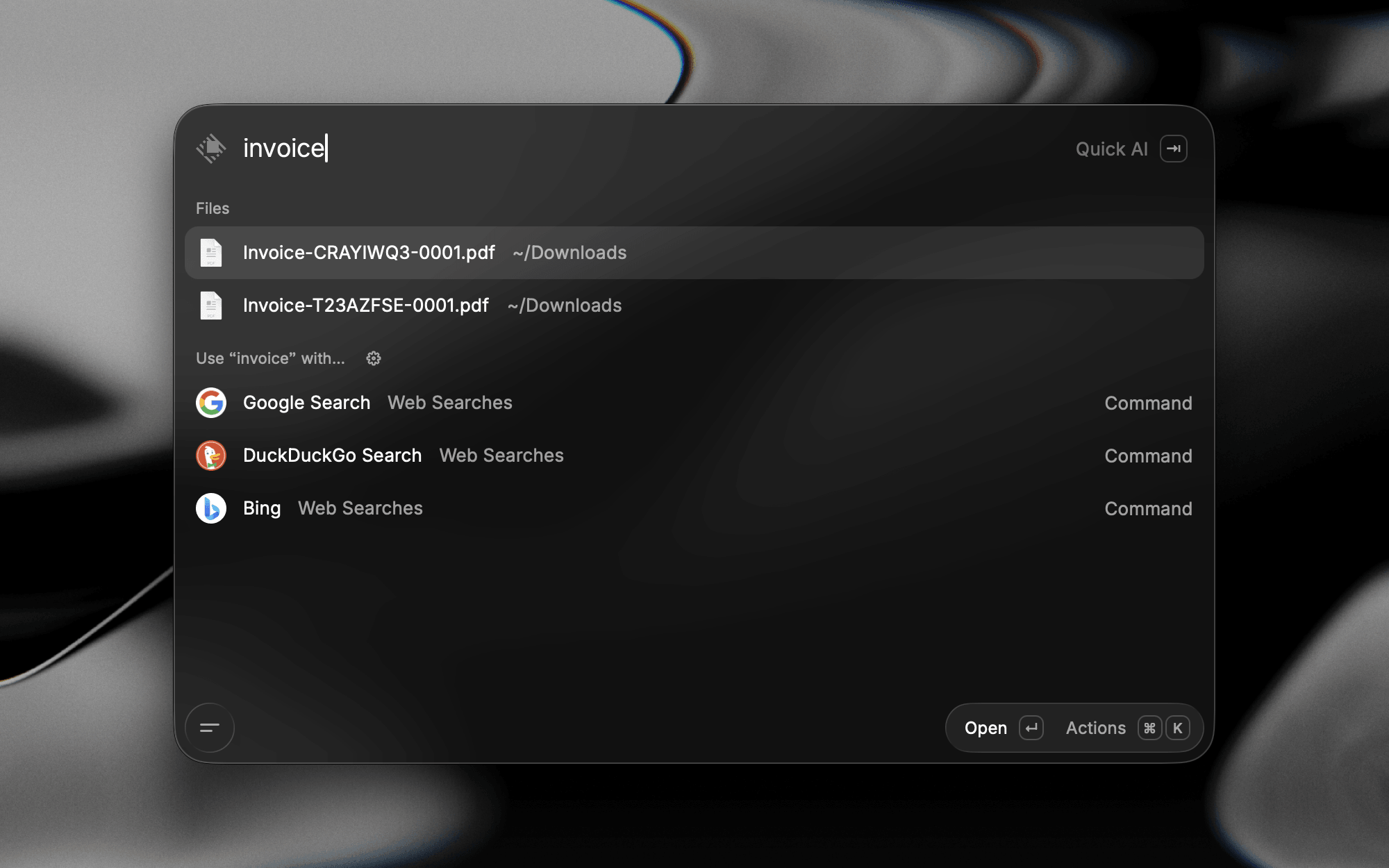


Learn more about File Search.
Even More Shortcuts
The hotkey recorder is quicker and more reliable, and it understands the keyboard you actually use. You can now use fn as a hotkey on its own, assign left and right modifiers separately, or set a hotkey straight from the Action Panel in the launcher.

Learn more about Command Aliases & Hotkeys.
Ask AI, Anywhere
Ask a question in Root Search and Quick AI is there to answer it. It's been redesigned to match AI Chat, making it a familiar experience across both. Make Quick AI your fallback command and anything that isn't a command goes straight to AI.


AI Chat can branch off any message to explore a different direction without losing the original thread. As a conversation nears its context limit, Raycast summarizes the earlier turns and keeps going.
AI Extensions load in automatically when they're relevant, and Screen Awareness brings whatever is in front of you into the conversation: the focused window, your selection, and a screenshot, sent along with your question. The chat sidebar is new too, with projects to group related chats under shared instructions and auto-archiving to keep the rest tidy, plus notifications when a reply lands while you're in another app.


Learn more about Quick AI, AI Chat, and Screen Awareness.