


-
M5 chip.
Furiously fast. The next giant leap for AI on iPad.
-
iPadOS 26.
Powerfully redesigned.
Game-changing capabilities.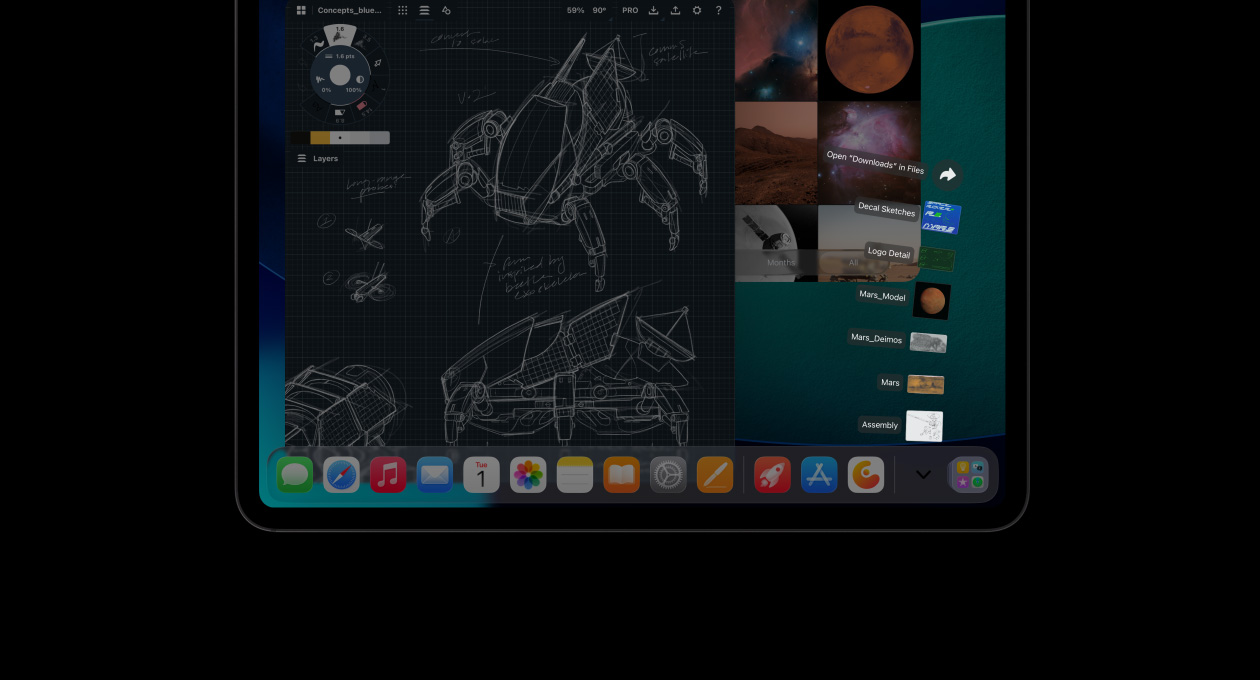

-
Ultra Retina XDR. Our most advanced display. Extreme brightness and precise contrast.

-
Sleek, lightweight design for ultimate portability and versatility.

5.1 mm
13-inch model
-
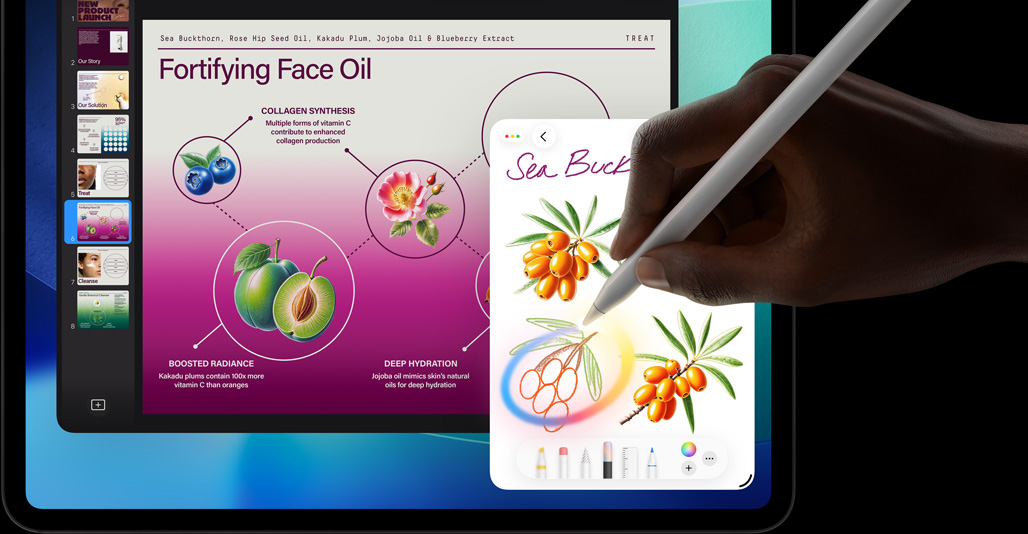
Advanced features and comfortable typing with Magic Keyboard. Precise creative control with Apple Pencil Pro.2

Take a closer look.


M5.
Creator.
Accelerator.


M5.
Creator.
Accelerator.
The M5 chip pushes the limits of what’s possible on iPad Pro to drive performance and efficiency like never before. A next-generation 10‑core GPU with powerful new Neural Accelerators dramatically speeds up AI tasks — from large language model (LLM) token generation to generative imagery. And the multithreaded CPU performance and faster memory deliver breakthrough speed for your workflows.

M5.
Creator. Accelerator.

Extreme performance by design.

M5 is built on third-generation 3-nanometer technology delivering even more performance while maintaining all-day battery life10 and power efficiency. The next-generation CPU includes up to four super cores and six efficiency cores for extraordinary speed, remarkable power, and advanced AI capabilities.5
M5 compared to previous iPad Pro models
AI by the power of M5.

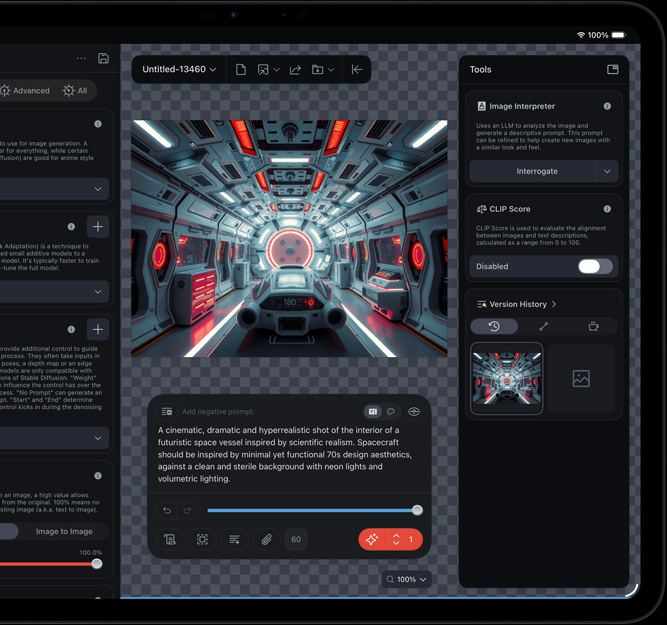
The M5 Neural Engine takes AI and machine learning on iPad to the next level. Now you can instantly summarize pages of lecture notes and simplify your everyday tasks through automation. Neural Accelerators in the GPU enable helpful AI features in apps like DaVinci Resolve for iPad and Draw Things, so you can fine-tune your video edits and generate imagery with just a prompt.
Graphics at light speed.

Experience more immersive and realistic gaming with the faster GPU performance of M5. Featuring enhanced shader cores and third-generation ray tracing, M5 delivers up to 1.6x faster GPU performance than M48 for demanding tasks like image editing. M5 also utilizes Dynamic Caching to maximize performance in demanding pro apps and games.
Watch and work in high resolution.

The M5 Media Engine supports hardware-accelerated decode and encode for more power-efficient capture and playback of high-resolution video.

Play back and edit up to five streams of 4K ProRes footage. From sophisticated 3D rendering to graphics-heavy post-production, you can take on advanced workflows at the studio or on location.
iPadOS and apps.
A tour de workforce.


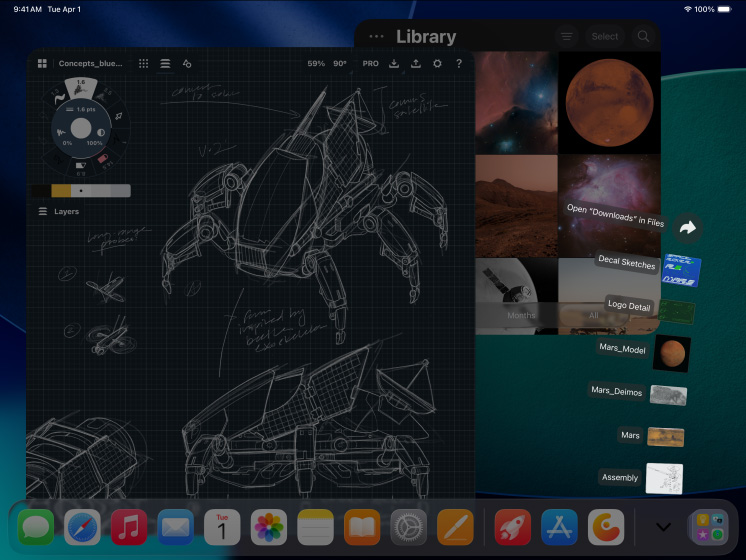


iPadOS 26 introduces a stunning new design with Liquid Glass and game-changing enhancements that put iPad Pro productivity on a new level. A reimagined, intuitive windowing system gives you greater power and flexibility than ever before. Run pro apps, play high-performance games, and take on creative projects of any size with an intuitive touch-first experience.

Next-level productivity. Open more windows at once, resize and rearrange them your way, and split your screen into thirds or quarters.

Intensive tasks run behind the scenes with Background Tasks. And you can easily manage everything that’s running with Live Activities.

Capture and edit Smart HDR images and up to 4K ProRes video. Open and manipulate larger 3D scenes. And run more complex AI models, all with pro apps.
iPadOS and apps. A tour de workforce.

iPadOS 26 makes iPad Pro even more capable and intuitive to use. With an all-new, powerful windowing system, you can control, organize, and manage your workflows like never before. And with Apple Intelligence integrated throughout your everyday apps and experiences, you can communicate, create, and get things done effortlessly.*
Apps for all kinds of amazing.
Pro apps unleash the extraordinary things you can do with iPad Pro. With essential built-in apps and over a million apps on the App Store designed specifically for iPad, iPadOS is an ideal platform for work, play, and creativity.
Explore apps for iPad
Pro studios on the go.
Transform your iPad into a versatile production studio. Seamlessly connect up to four iPhone or iPad devices with Live Multicam in Final Cut Pro for iPad to record, edit, and share videos even faster. And AI-powered Session Players in Logic Pro for iPad take your feedback to perform on the fly.


Apple Intelligence.
Works hard.
You take it easy.

iPad Pro is built for Apple Intelligence. Create, communicate, and get things done effortlessly with groundbreaking privacy protections at every step.*

Get help from ChatGPT without jumping between tools. Explore new visual styles in Image Playground, ask questions about photos and documents, and leverage additional expertise.

Accelerate your workflows with shortcuts, intelligent actions that can summarize text, create images, or tap into Apple Intelligence models.

Use Clean Up to instantly remove unwanted distractions in your photos. Identify the object and remove it with a tap. Or for even greater precision, use your Apple Pencil.9


Apple Intelligence is designed to protect your privacy at every step. It’s integrated into the core of iPad Pro through on-device processing. So it’s aware of your personal information without collecting your personal information. And with groundbreaking Private Cloud Compute, Apple Intelligence can draw on larger server-based models, running on Apple silicon, to handle more complex requests for you while protecting your privacy.